IntroForge - 30 Logo Reveal Effects for Godot 4.7
IntroForge — 30 configurable logo reveals for Godot 4.7
Browse 30 configurable logo-reveal effects, replace the logo, and generate an editable startup intro that loads your next scene.
IntroForge is a source-available Godot 4.7 editor addon. The public preview is the Play in browser showcase — there is no separate Windows executable. Click Run asset, then use the player fullscreen control (or F11) so the showroom fills the screen.
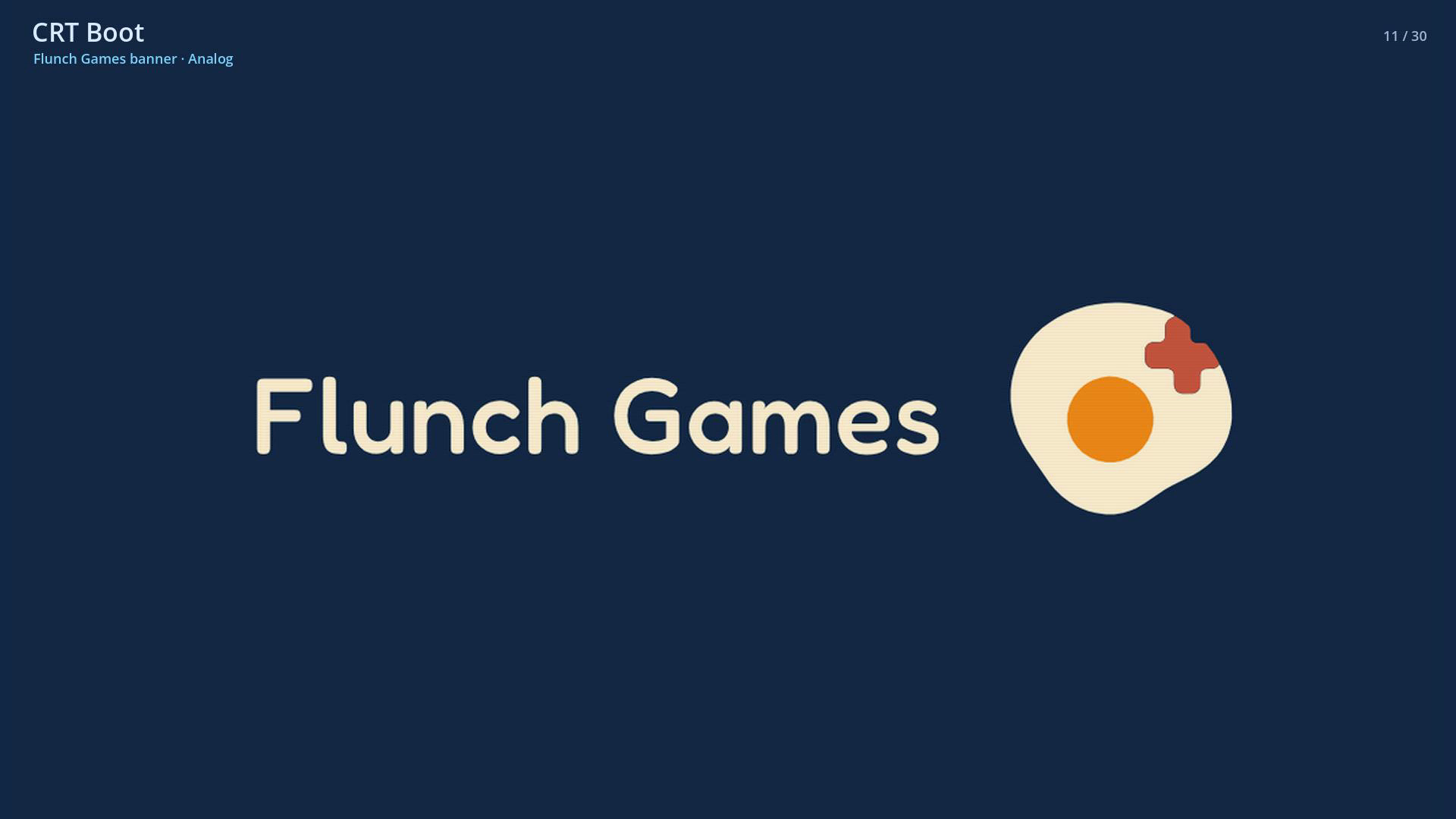
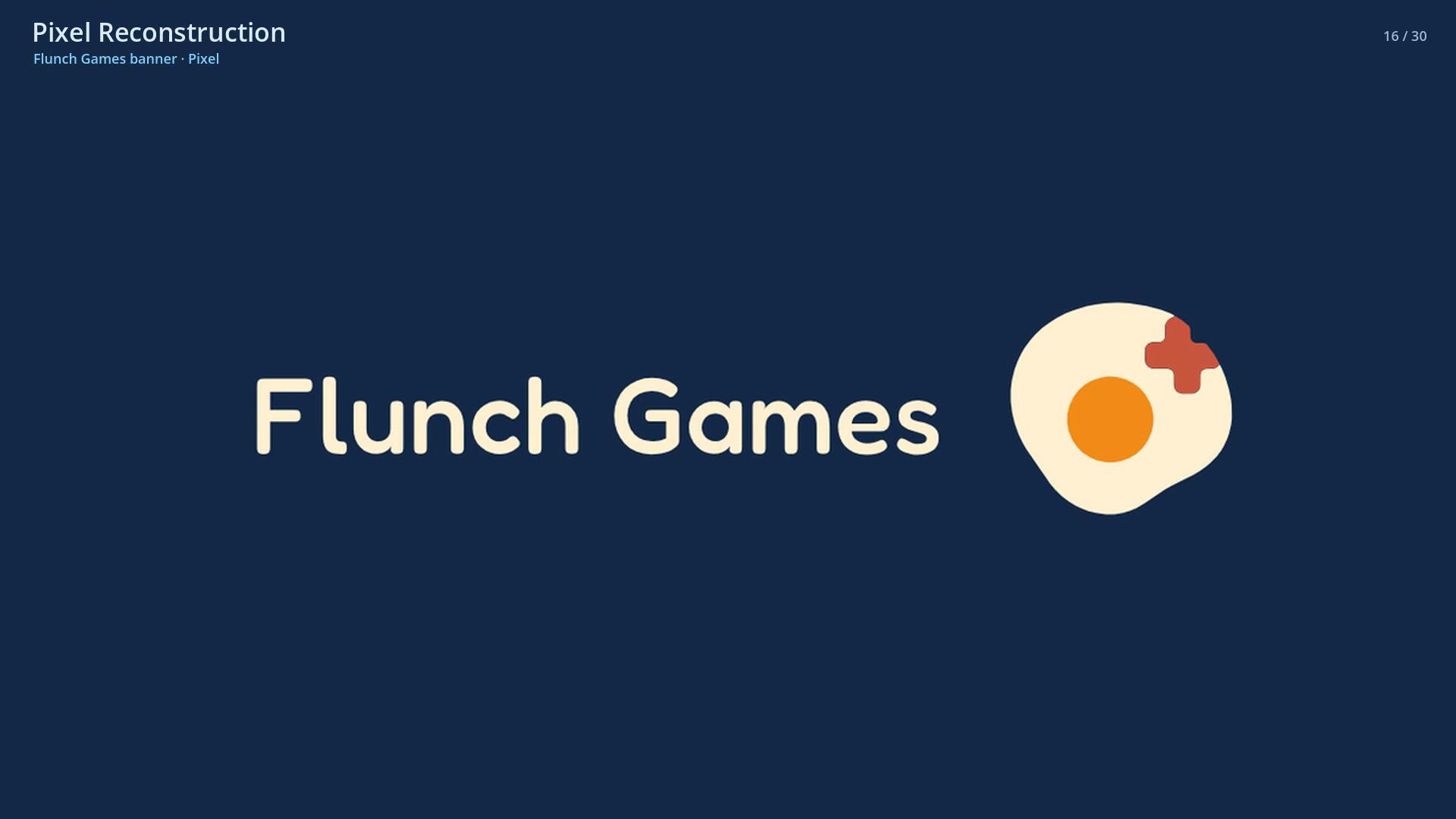
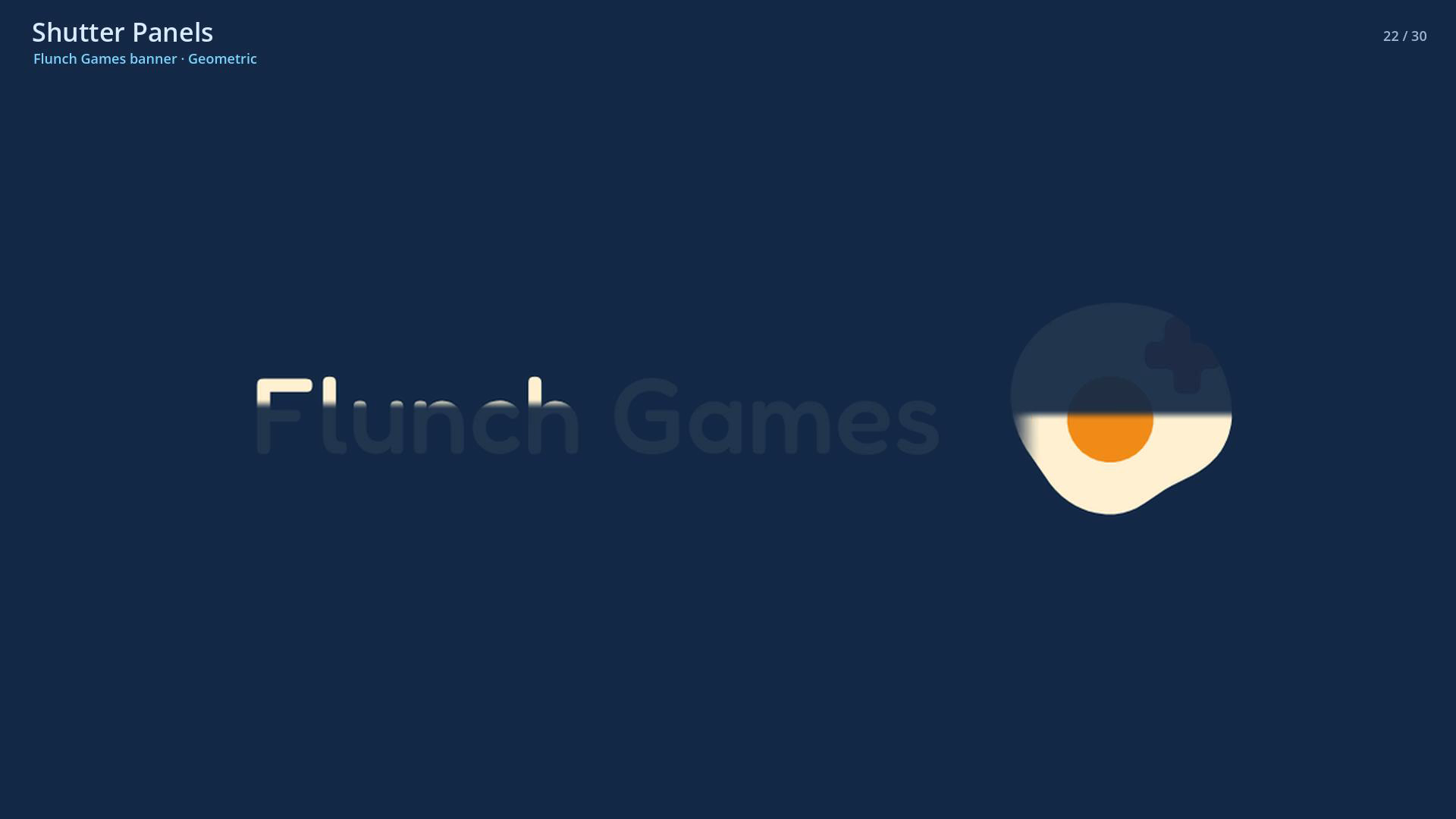
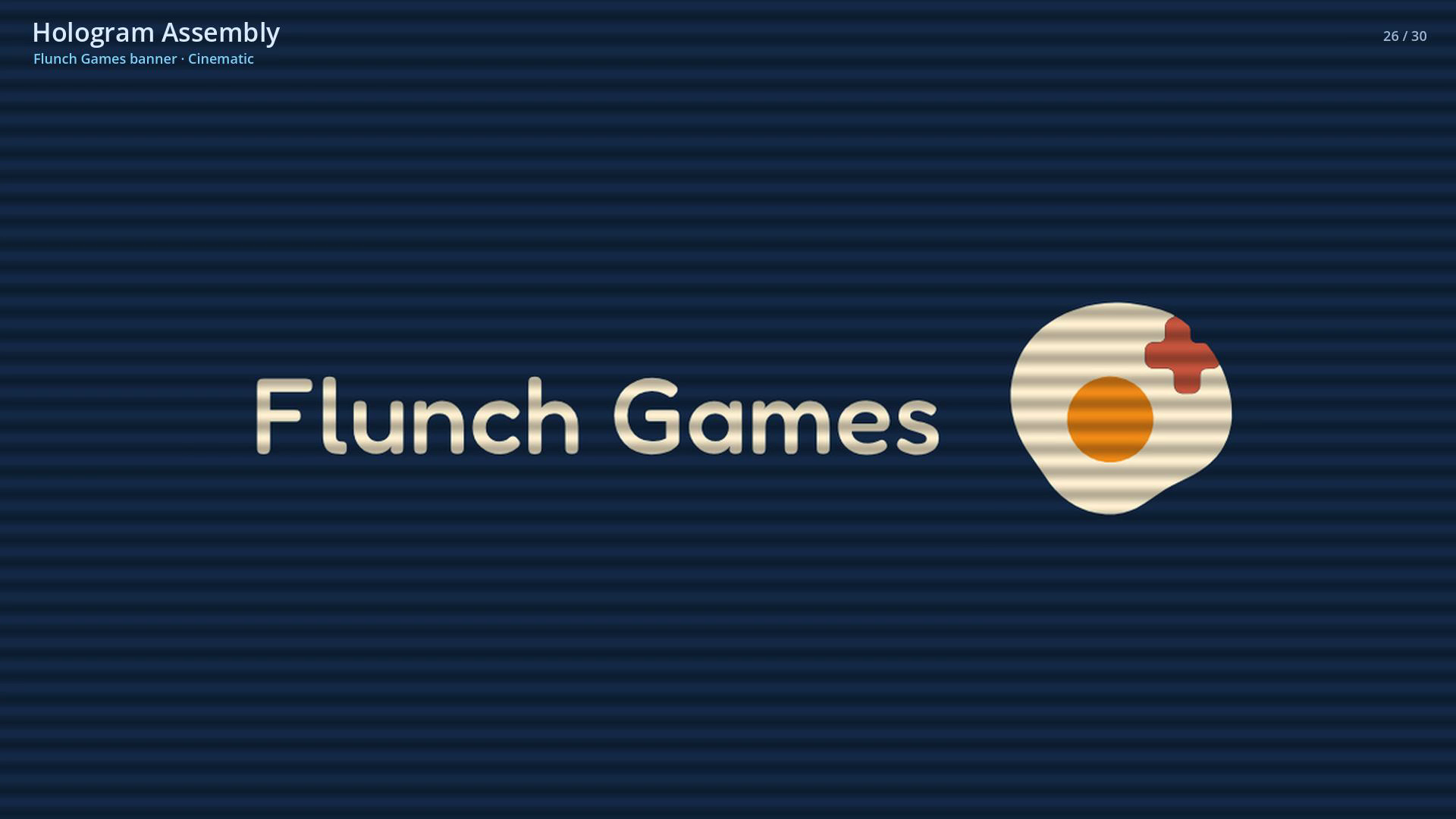
The browser showcase and paid demo default to the orange Flunch square logo on a matching coral background (#f84847). You can switch to the Flunch Games banner, bundled marks, or your own Texture2D.
Visual preview
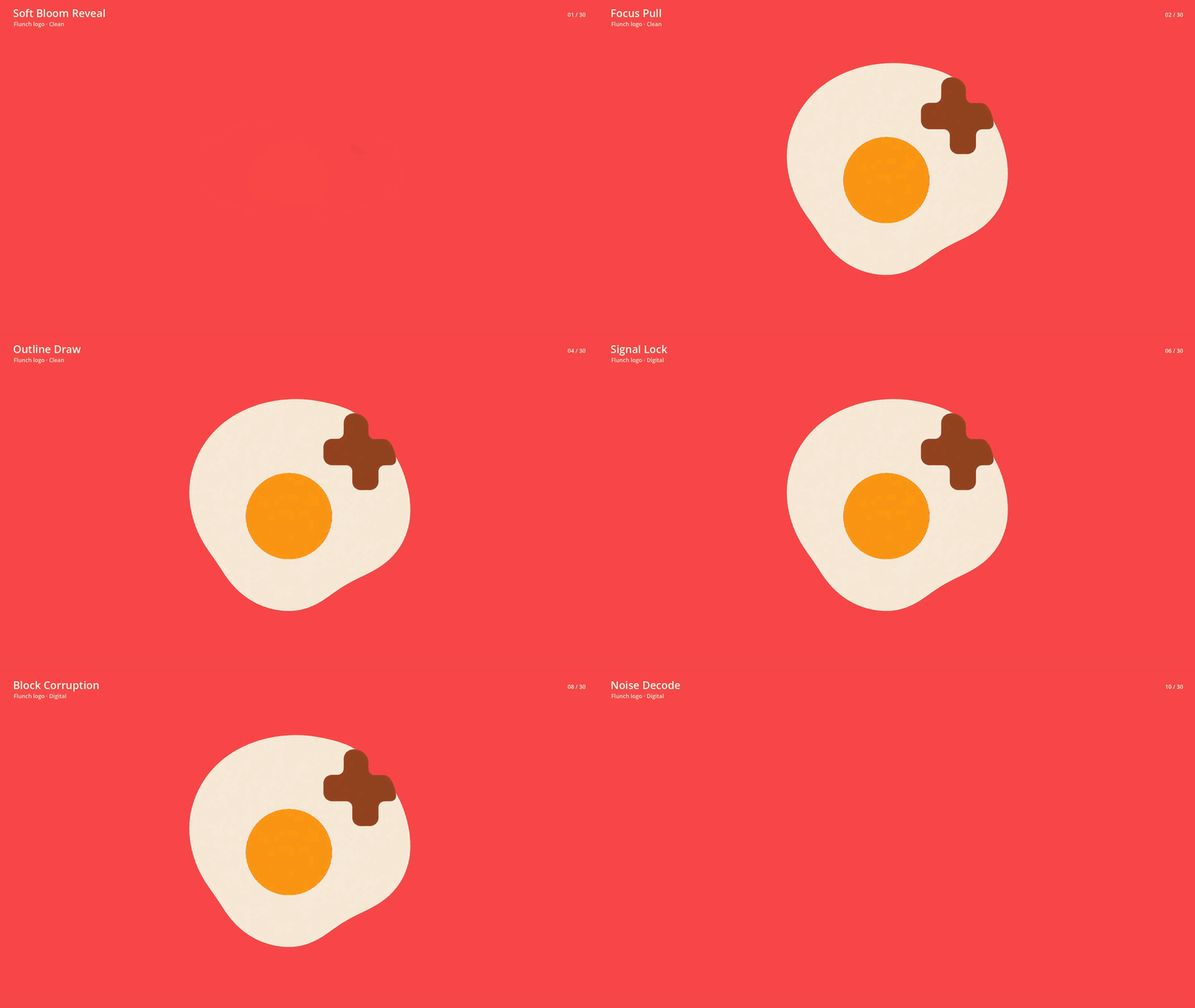
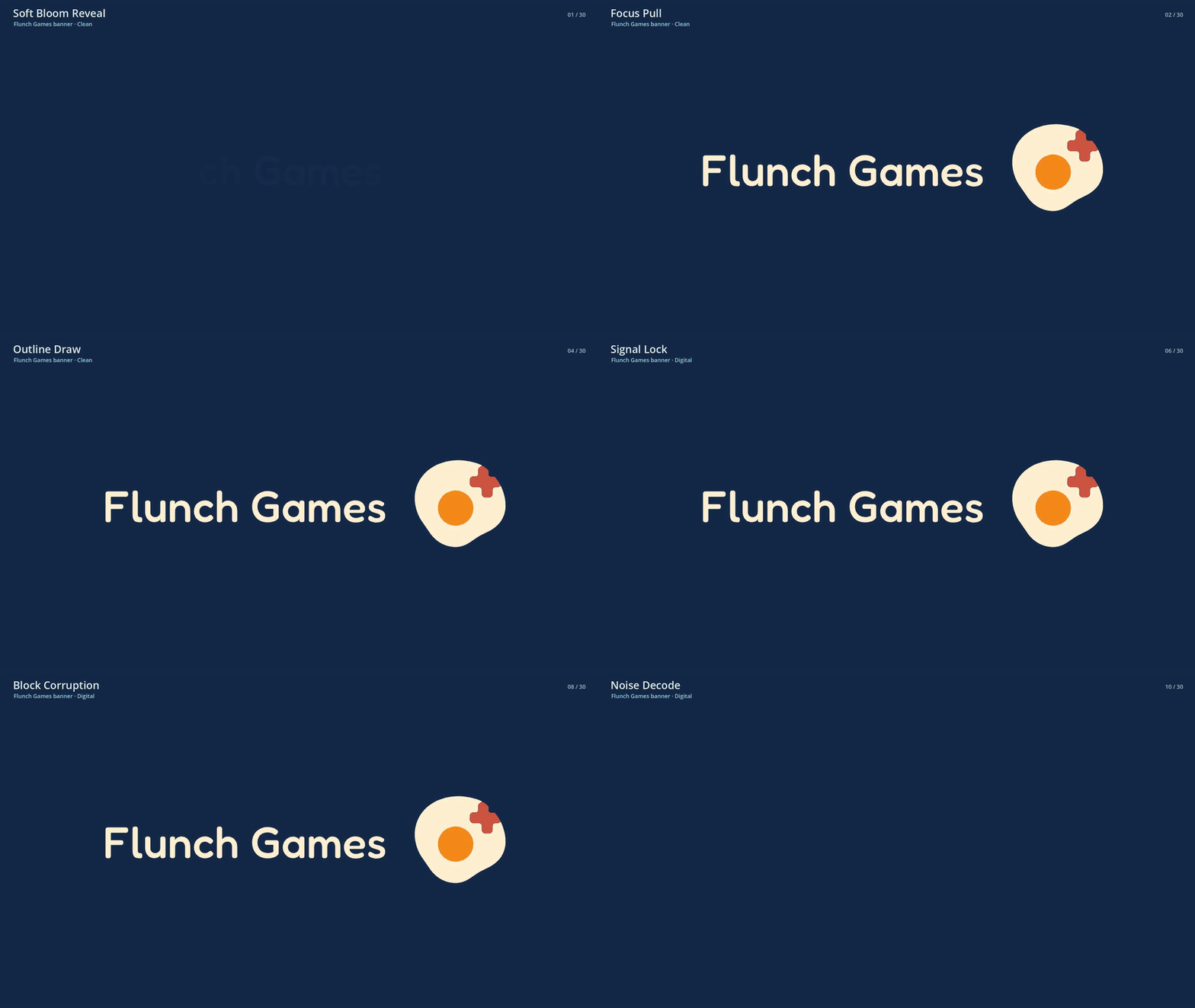
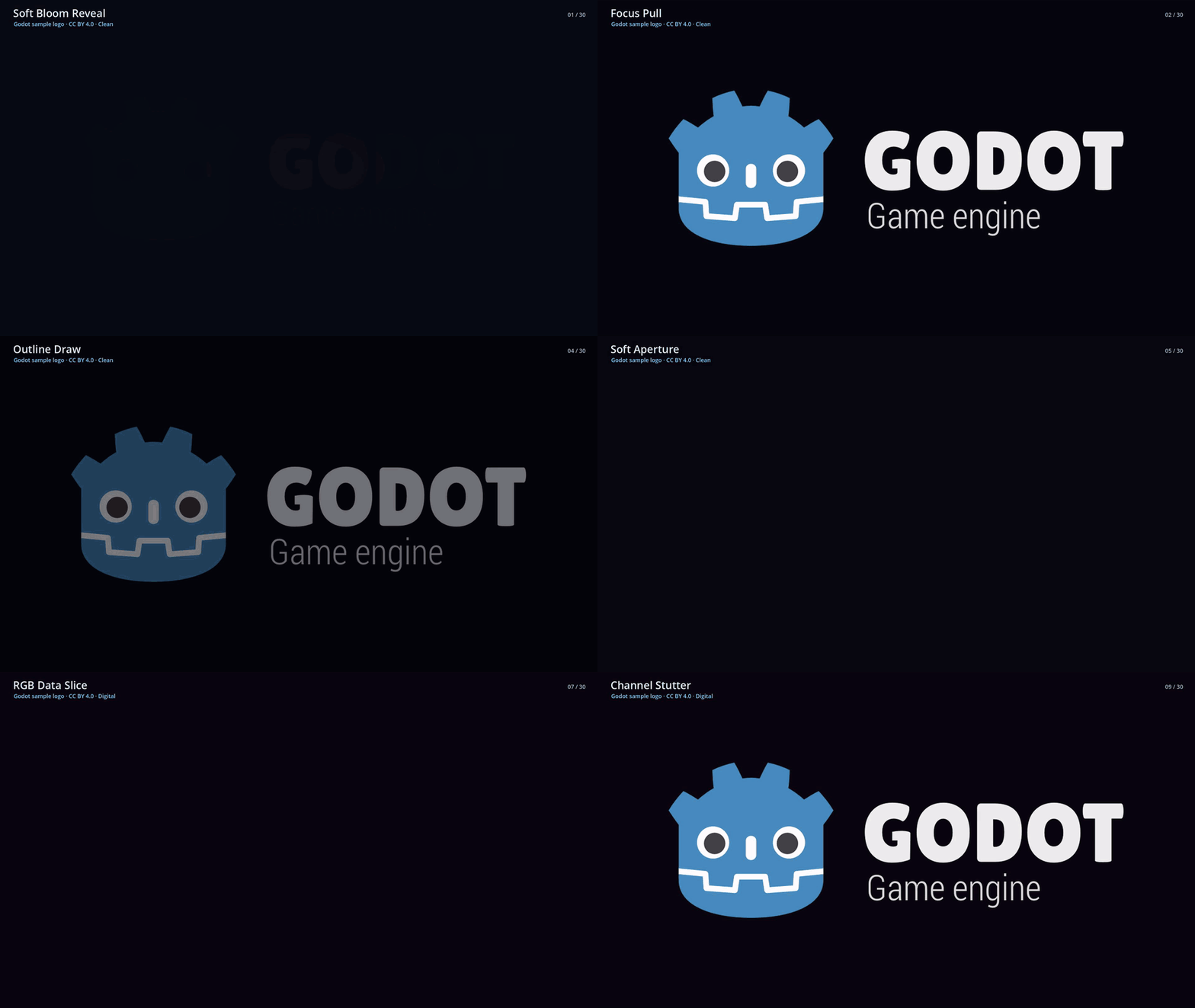
Paid downloads are USD $9.99. The browser showcase stays free.
Systems implemented
- 30 presets in six categories — Clean, Digital, Analog, Pixel, Geometric, and Cinematic.
- 107 curated parameter specifications — effect-specific Tune controls with validated overrides.
- Real runtime preview — the editor, demo, and browser showcase use the same
IntroPlayer. - Direct logo replacement — orange Flunch square by default, plus banner, bundled marks, or your own image.
- Quick Reveal, Startup Intro, and Sequence Editor in the paid Godot addon and editable demo project.
How to put this intro in your game
The paid download is a Godot 4.7 editor addon, not a standalone game. After purchase:
- Download IntroForge addon and copy the complete
addons/intro_forge/folder into your Godot 4.7 project. - Open Project > Project Settings > Plugins and enable IntroForge.
- Open the IntroForge dock. Choose your logo (imported as
Texture2D), browse the 30 effects, and tune the live preview. The preview is the sameIntroPlayerused at runtime. - Choose Create Startup Intro.... Select the scene that should load after the intro, then generate. Output is editable project data under
res://introforge_generated/(a startup.tscn, a sequence.tres, and a setup manifest). - Optionally confirm Set generated scene as project Main Scene — this is off by default. Run the generated scene and confirm it plays through and reaches your next scene.
Need one effect without changing project settings? Use Create Quick Reveal instead. The paid Editable demo project is a complete Godot 4.7 example you can open and inspect.
IntroForge starts after Godot creates the first scene. It does not replace the executable boot splash or the browser loader. No autoload is required.
How to preview
Use Play in browser on this page. After the showcase loads, click the fullscreen button on the player so the preview is not letterboxed in the 960×540 frame. Press Esc to leave fullscreen.
Downloads
- The complete IntroForge Godot 4.7 addon (paid).
- An editable Godot demo project (paid).
- The free browser showcase (Play in browser).
Requirements
Godot 4.7 for the addon and demo. The browser showcase uses Compatibility, WebAssembly, and WebGL 2.0. IntroForge begins after Godot creates the first SceneTree; it does not replace the executable boot stage or browser loader.
Built with
Made for the Godot Engine. IntroForge and Flunch Games are not affiliated with or endorsed by the Godot Foundation. The optional Godot logo is a labeled, attributed, replaceable sample only.
License
Use is governed by the commercial license included in the paid downloads. Third-party notices and Godot logo attribution are included where applicable.
Purchase
In order to download this asset you must purchase it at or above the minimum price of $9.99 USD. You will get access to the following files:
Leave a comment
Log in with itch.io to leave a comment.