Kinetic Nav — Animated Menu Navigation for Godot 4
One controller. Your existing Buttons. Better focus motion.
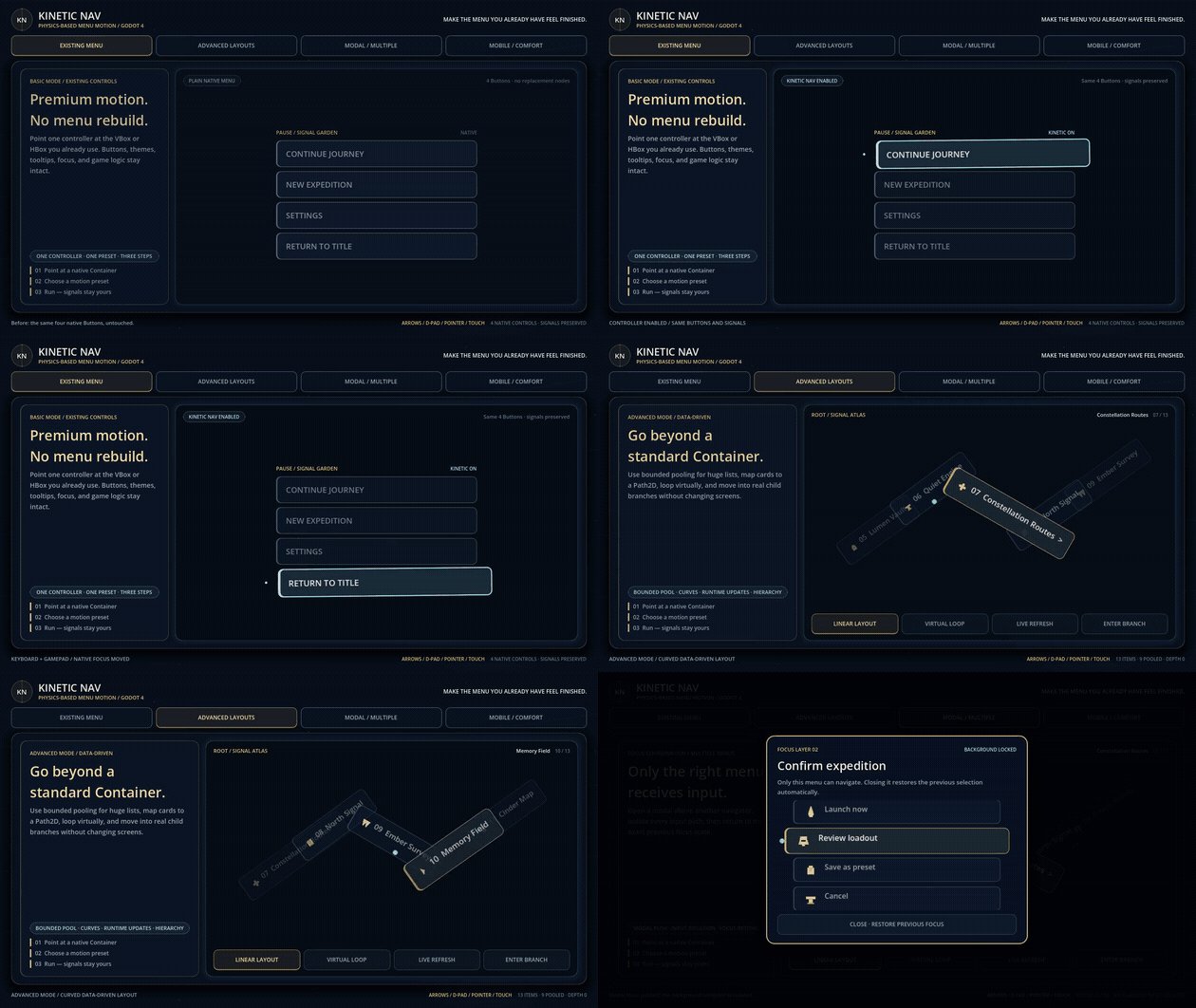
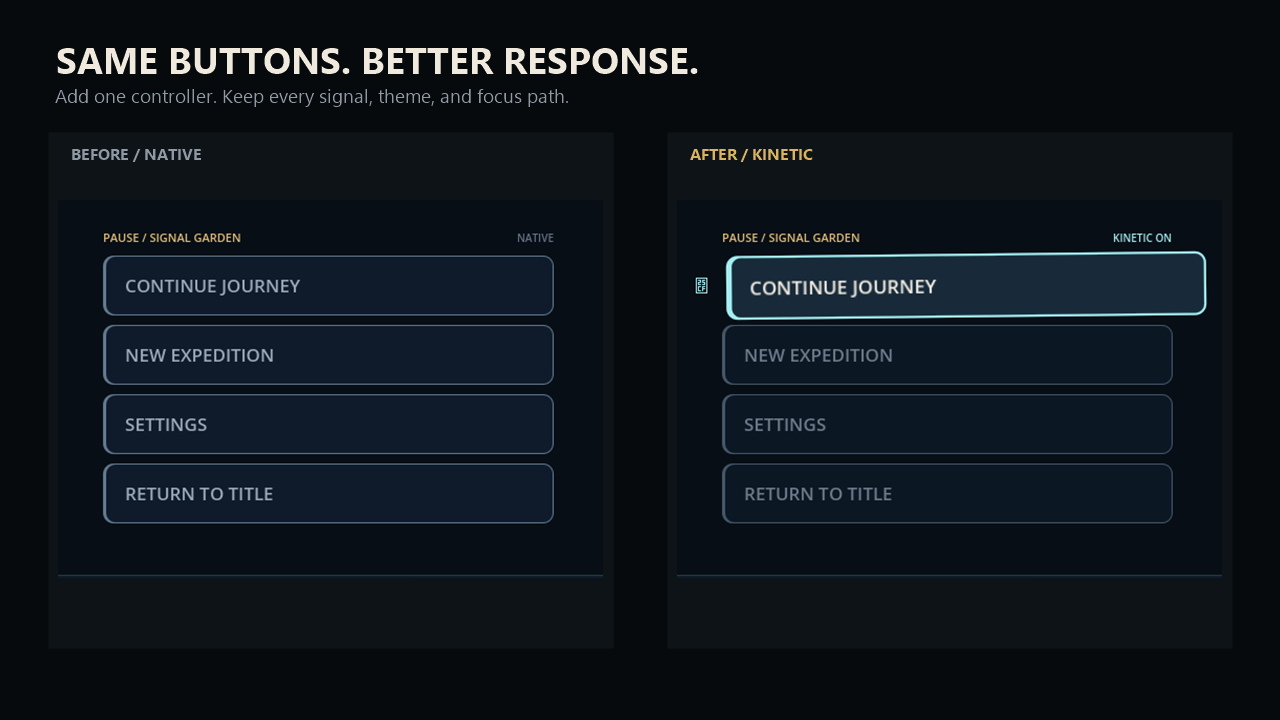
Add physics-driven selection motion to an existing VBox/HBox menu while keeping native signals and focus. Kinetic Nav enhances the menu you already built instead of replacing its Controls or data model.
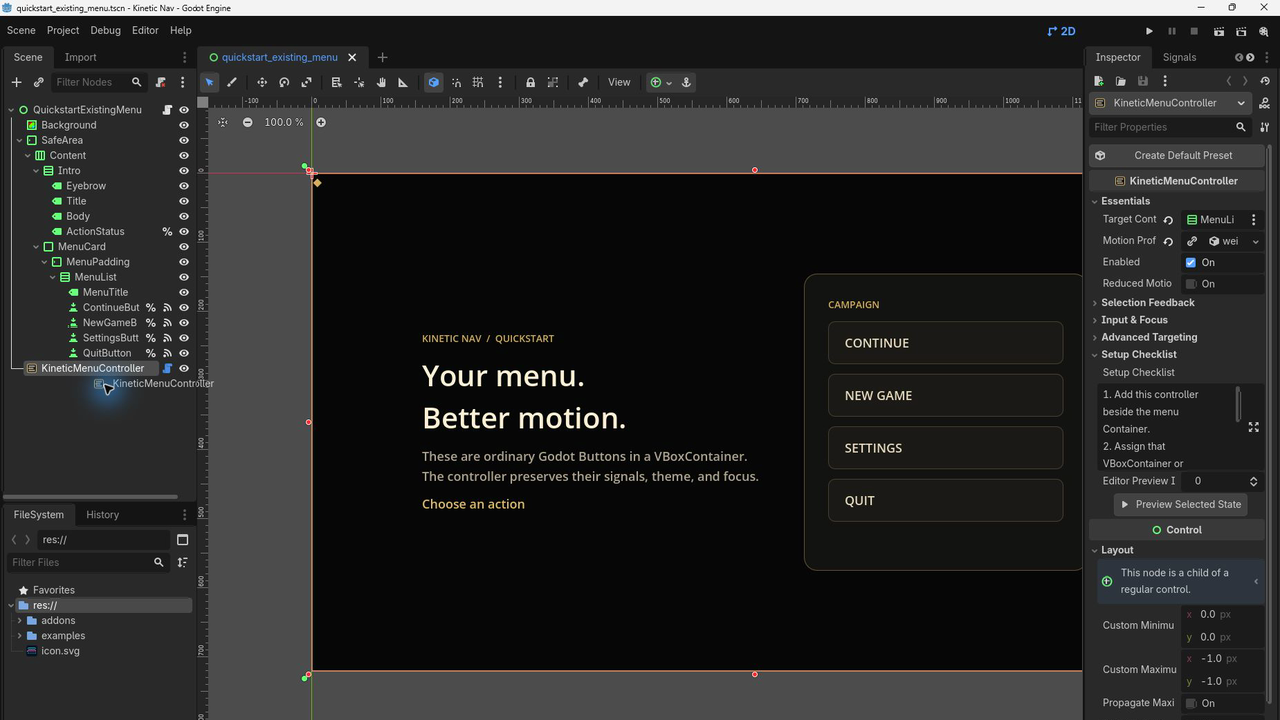
Place KineticMenuController outside the target VBoxContainer or HBoxContainer. Your Button nodes stay in place and keep their native focus, pressed signals, themes, tooltips, accessibility metadata, and scripts. Screen-reader behavior has not yet been verified and is not claimed for version 1.0.0.
Inspector setup: add one controller, assign the existing Container, then choose a shipped motion preset or create a persistent default.
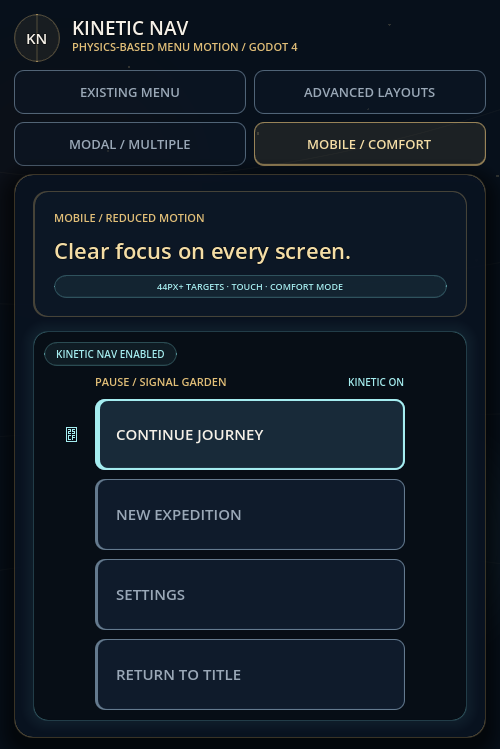
Input and comfort: native keyboard, gamepad, mouse, and touch paths remain available, with a complete reduced-motion mode.
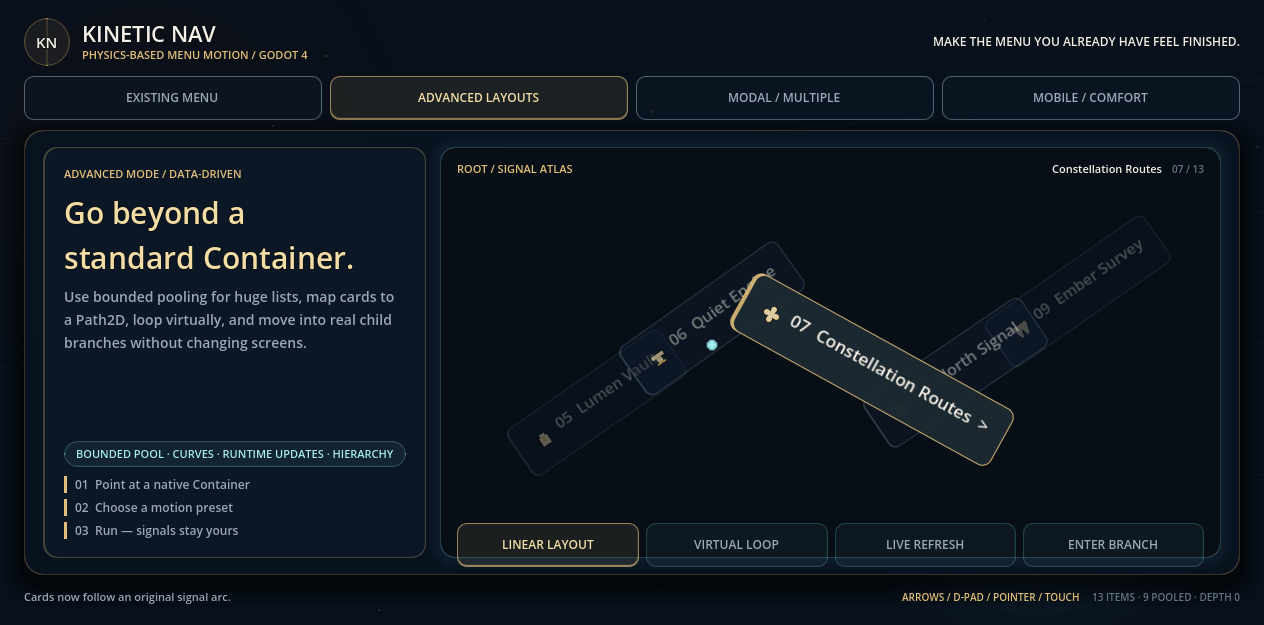
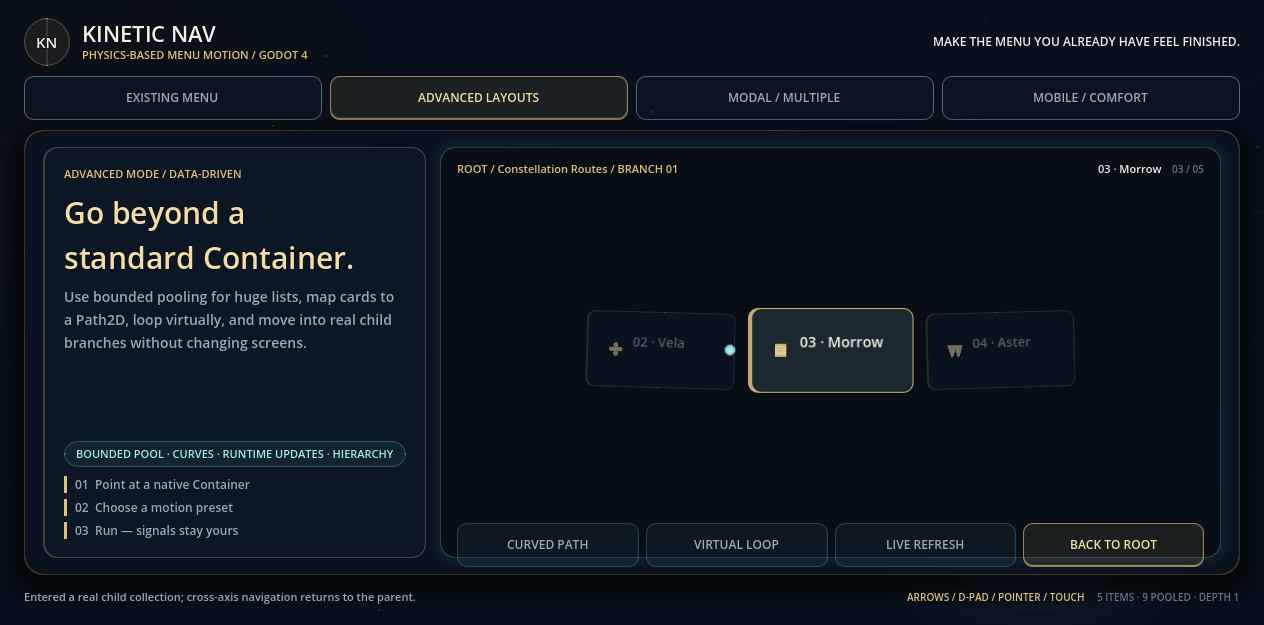
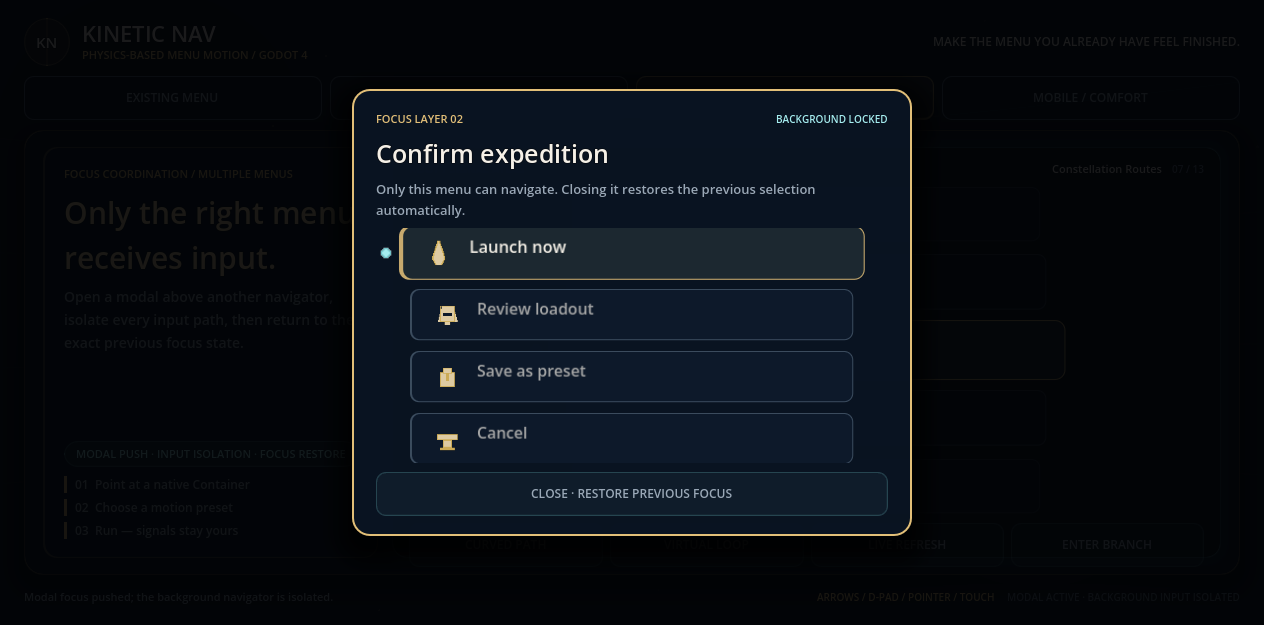
Advanced Mode is the secondary power-user layer for curves, virtual lists, hierarchy, modal coordination, and resource-driven navigation.
Play the complete browser showroom for free. The paid download includes the GDScript addon source, editable examples, presets, documentation, and commercial license. The permanent minimum price is USD $4.99. There is no launch discount; USD $4.99 is the standard price. Target workflow: enhance an existing menu in about ten minutes. This is a design target, not a measured human-usability claim.
Systems implemented
- Existing-Control enhancement — spring offset, scale, rotation, alpha, highlight, cursor, and scroll follow on native Controls.
- Native input paths — keyboard, gamepad, mouse, touch, disabled-state handling, and reduced motion.
- Advanced layouts — pooled large lists, Path2D curves, virtual loops, symmetric hierarchy axes, and modal focus coordination.
- Buyer tooling — editor validation, preset creation, safe selected-state preview, five editable presets, and two focused example scenes.
Plug-and-play modules
- KineticMenuController — point it at an existing VBox or HBox menu.
- KineticMotionProfile — reusable Inspector-editable motion presets.
- KineticNavOverlay — optional data-driven navigation for large or curved layouts.
What you get (paid)
- Complete GDScript addon source for Godot 4.7.1, also verified on Godot 4.6.3.
- Editable quickstart and advanced showroom scenes.
- Five original .tres presets plus Quickstart, API, buyer, migration, troubleshooting, verification, and license documentation.
Controls
- Arrow keys / D-pad — move native focus or the Advanced selector.
- Enter / gamepad accept — activate the selected item.
- Mouse / touch — focus, select, drag, or scroll using the active mode.
Requirements
Godot 4.7.1 is the primary release environment. Godot 4.6.3 import and runtime acceptance are verified. Basic Mode requires no autoload and supports vertical or horizontal Containers.
Built with
Made with the Godot Engine using GDScript only.
License
One purchase covers the buyer's studio or individual account for unlimited commercial projects. Employees and project contractors may use the source under the license, but the addon may not be redistributed as a standalone asset, template, tutorial download, or competing tool.
Support
Use the Kinetic Nav itch.io discussion board for installation questions and reproducible bug reports. Include the Kinetic Nav version, exact Godot version, operating system, and minimal reproduction steps. License questions can be sent through the creator contact link shown on the itch.io profile.
Purchase
In order to download this toolkit you must purchase it at or above the minimum price of $4.99 USD. You will get access to the following files: